Device #4
openLöwenstein Prisma VENT50-C Ventilator
Description
Device Description
Device WM120TD is for ventilating patients with an independent respiratory drive. It
can be used on patients who weigh over 10 kg and have respiratory insufficiency. It
can be used in both stationary and mobile applications in both domestic and clinical
environments.
Identification
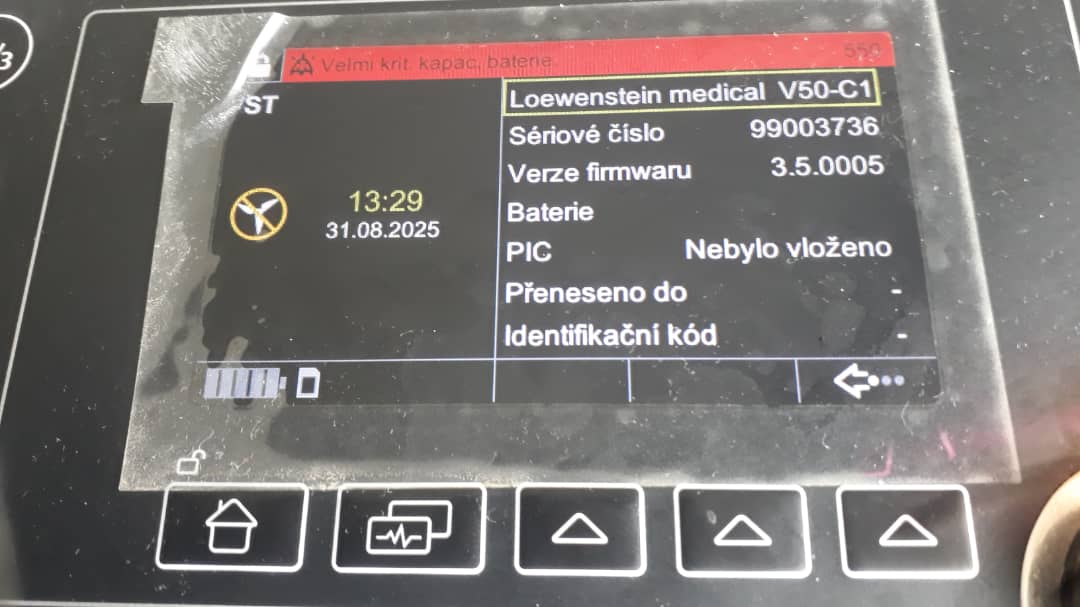
Name: Loewenstein medical V50-C1
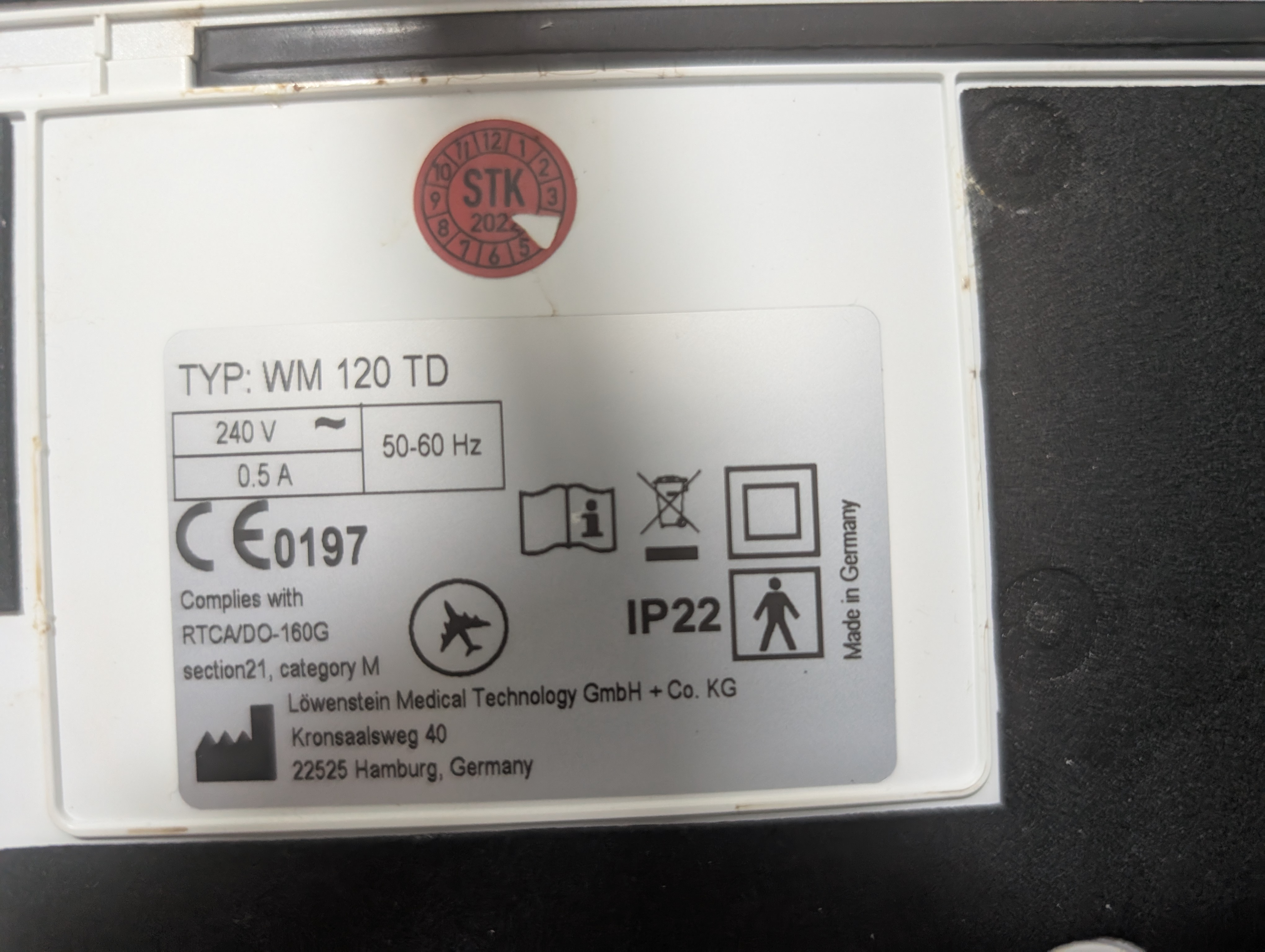
TYP: WM 120 TD
Serial: 99003736
Firmware Version: 3.5.0005
Documentation
Instruction Manual: https://tickets.chezo.africa/attachments/20
Issues
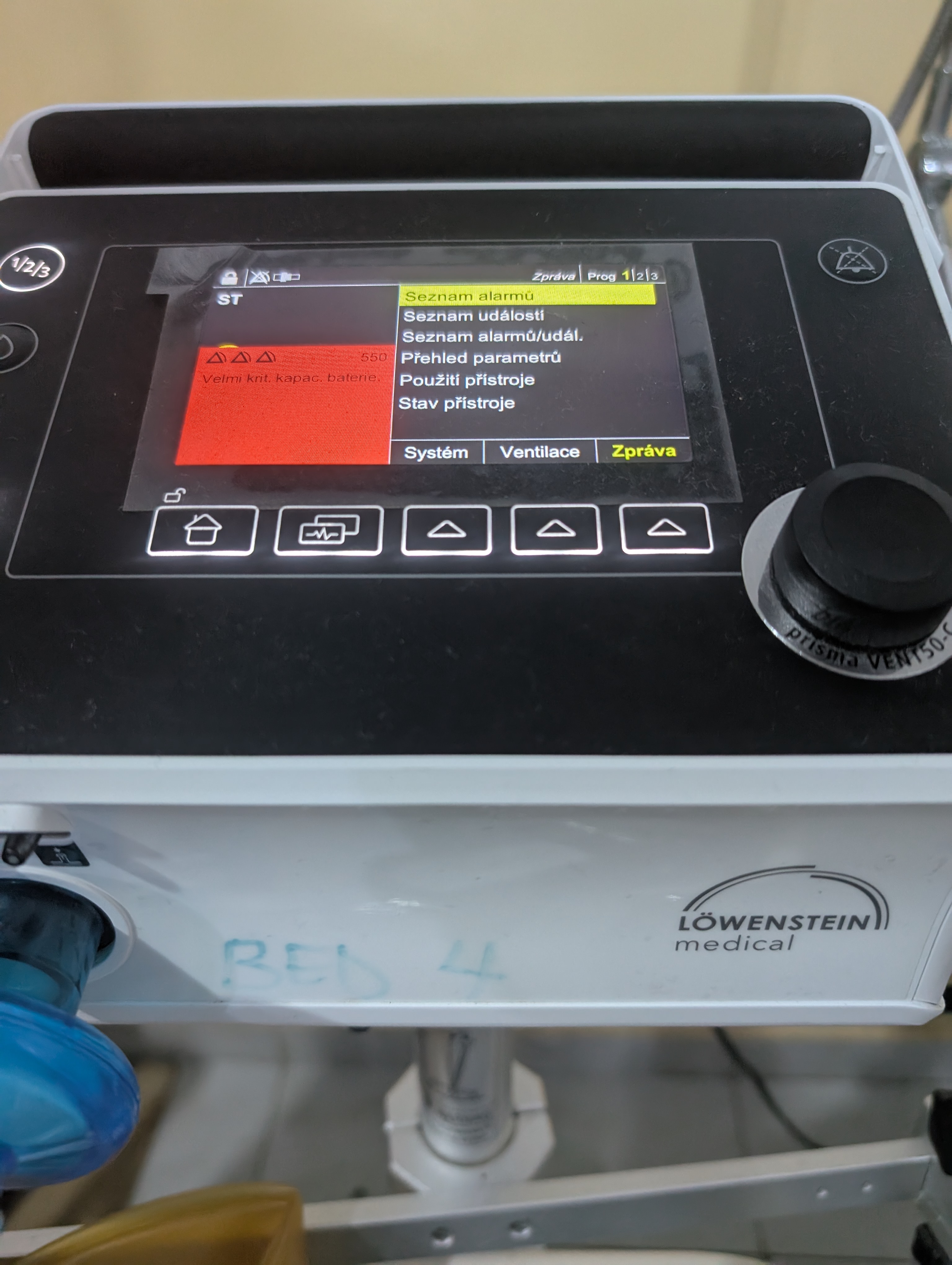
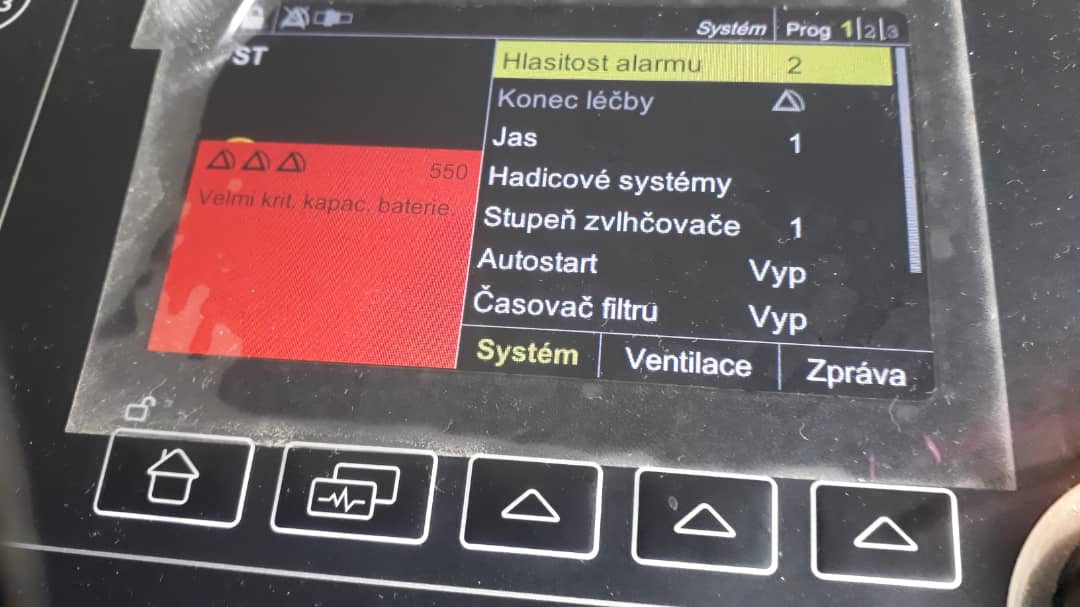
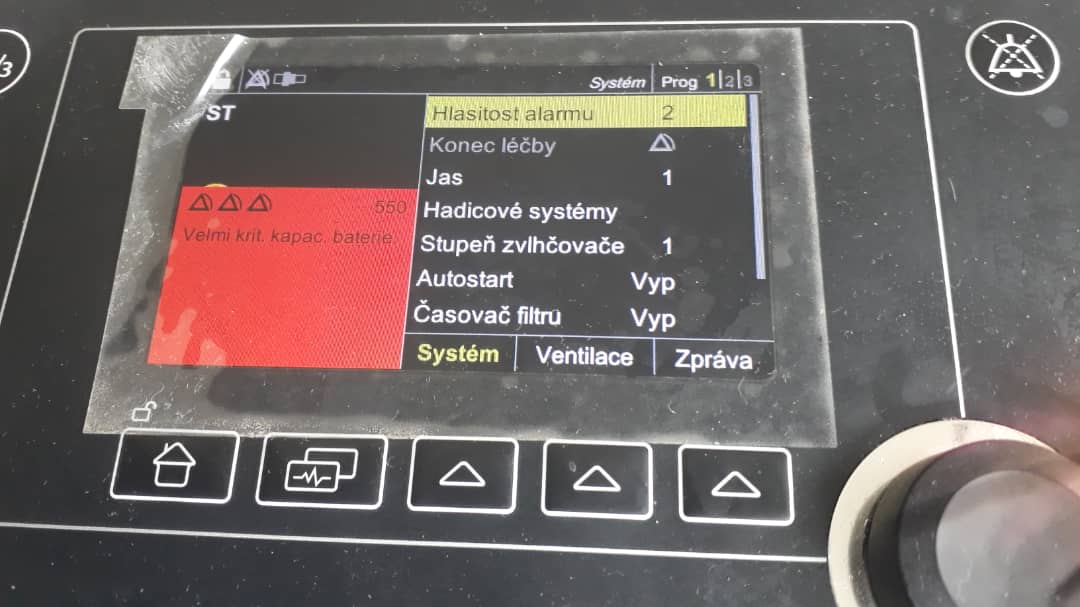
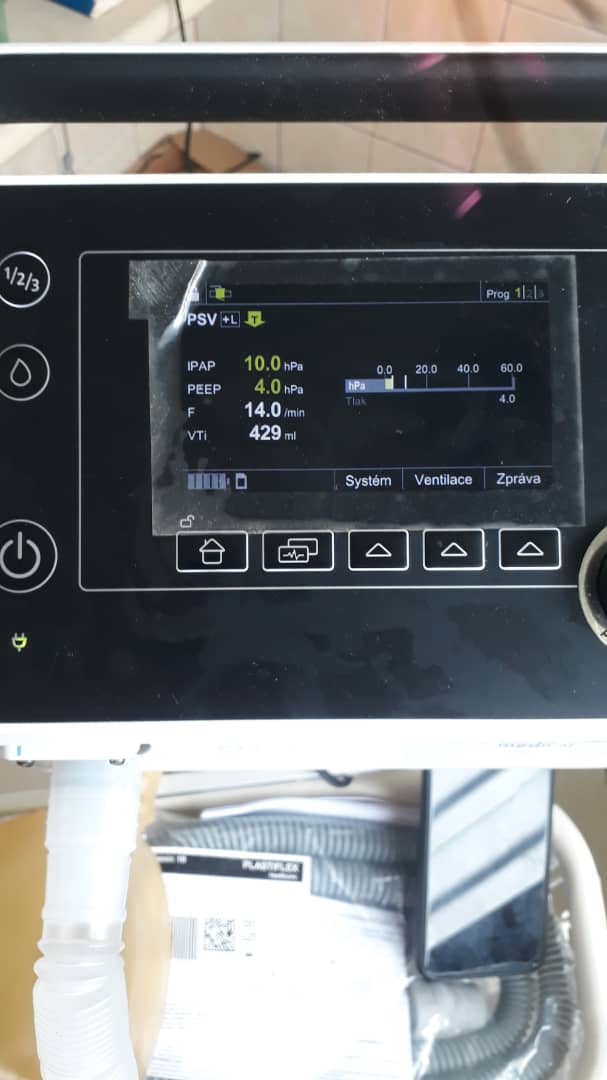
Device Language is in Czech language. According User manual this can only set before first use:
4.3 Before first use
The device must be configured before > being used for the first time. If your specialist
dealer has not yet done so, you must > set language and time on the device.
Images
ID Plate
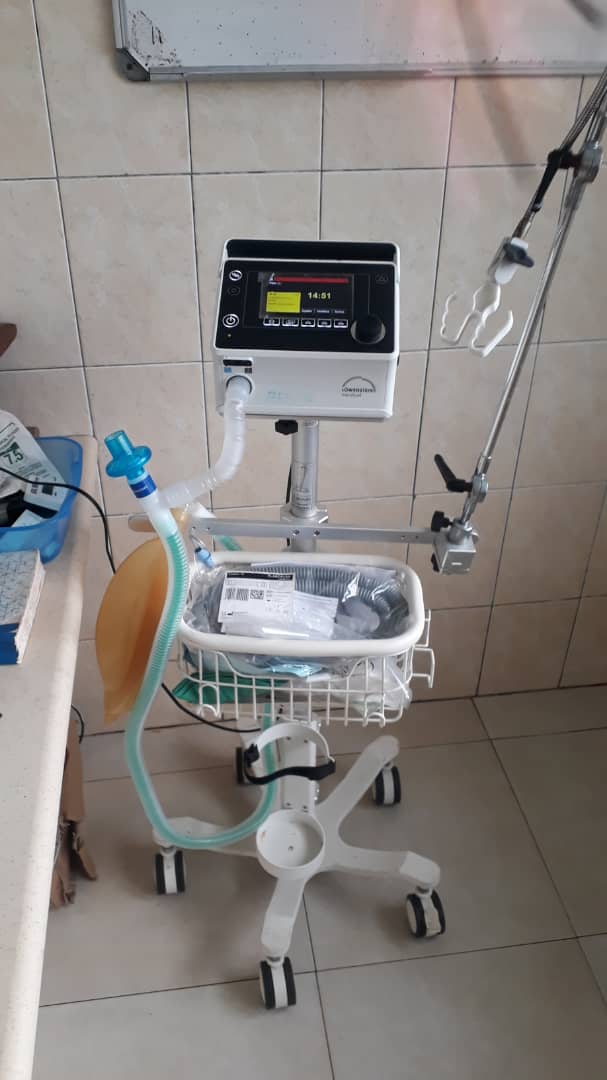
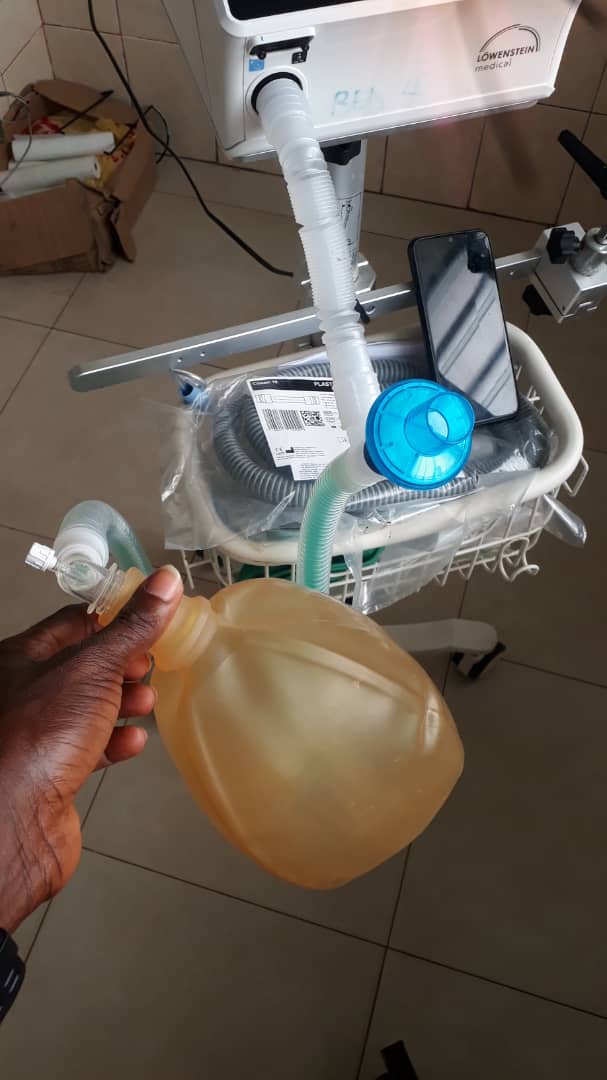
Device
Screenshots
Files
| PXL_20250814_195300585.MP.jpg (4.14 MB) PXL_20250814_195300585.MP.jpg | |||
| PXL_20250814_201452071.MP.jpg (4.71 MB) PXL_20250814_201452071.MP.jpg | |||
| prismaVENT-ventilation-user-manual-AUS-68473.pdf (3.91 MB) prismaVENT-ventilation-user-manual-AUS-68473.pdf | User Manual (English) | ||
| IMG-20250831-WA0073.jpg (45.5 KB) IMG-20250831-WA0073.jpg | |||
| IMG-20250831-WA0070.jpg (45.4 KB) IMG-20250831-WA0070.jpg | |||
| IMG-20250831-WA0069.jpg (41.3 KB) IMG-20250831-WA0069.jpg | |||
| IMG-20250831-WA0067.jpg (52.2 KB) IMG-20250831-WA0067.jpg | |||
| IMG-20250831-WA0066.jpg (59.3 KB) IMG-20250831-WA0066.jpg | |||
| IMG-20250831-WA0065.jpg (49.9 KB) IMG-20250831-WA0065.jpg | |||
| IMG-20250831-WA0064.jpg (55.3 KB) IMG-20250831-WA0064.jpg | |||
| IMG-20250831-WA0058.jpg (53.7 KB) IMG-20250831-WA0058.jpg | |||
| IMG-20250831-WA0068.jpg (41.5 KB) IMG-20250831-WA0068.jpg |
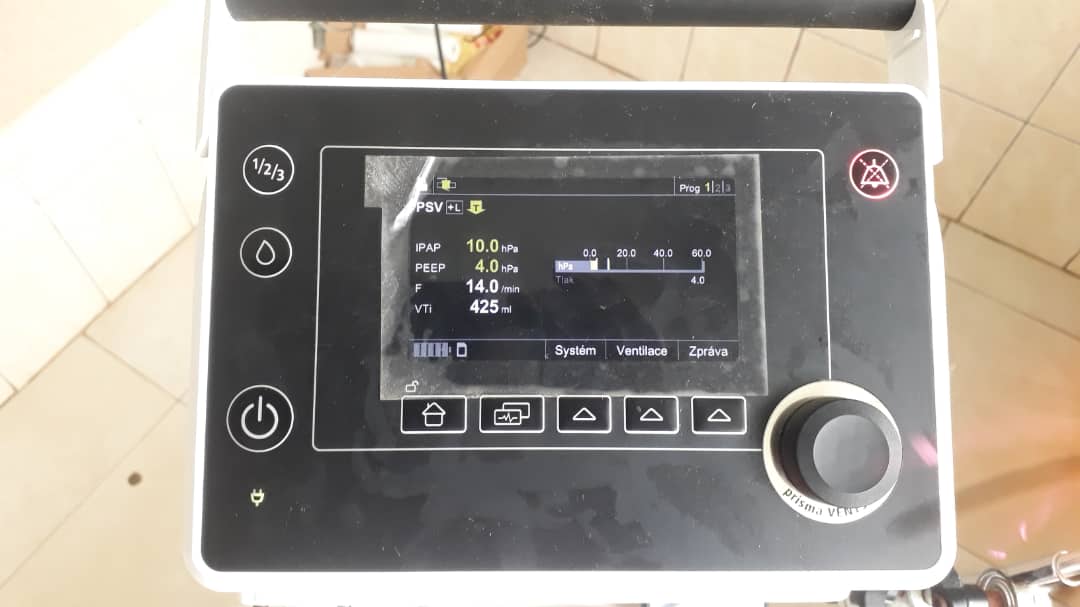
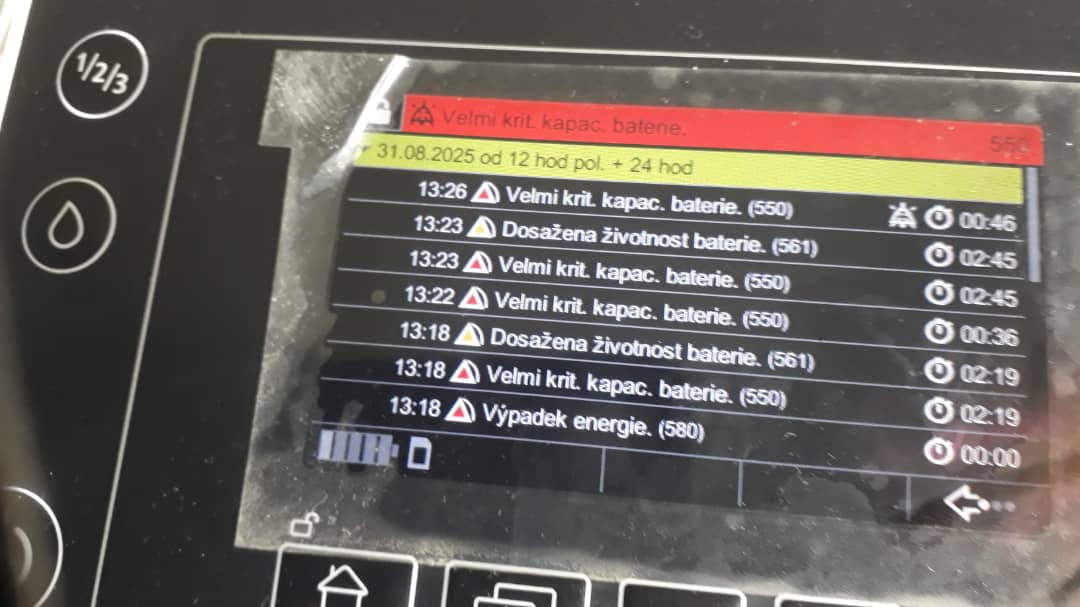
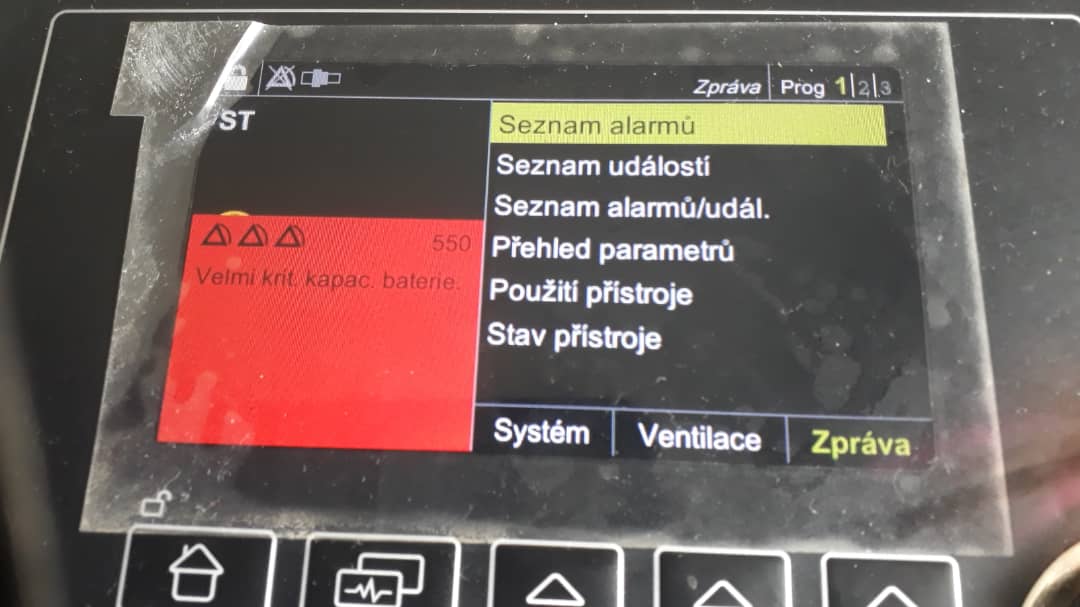
C( Updated by Christoph (Obruni) 11 months ago
C( Updated by Christoph (Obruni) 11 months ago
Cite User Manual:
4.3 Before first use
The device must be configured before > being used for the first time. If your specialist
dealer has not yet done so, you must > set language and time on the device.
C( Updated by Christoph (Obruni) 11 months ago
Please add here a picture of the system status site.
This can be found by clicking:
- Click on "Zpráva"
- Click on "Stav zařízení"
- Do a picture and upload it here.
C( Updated by Christoph (Obruni) 11 months ago
- Assignee set to Ernest Jerry Ackah
C( Updated by Christoph (Obruni) 10 months ago
- File IMG-20250831-WA0073.jpg IMG-20250831-WA0073.jpg added
- File IMG-20250831-WA0070.jpg IMG-20250831-WA0070.jpg added
- File IMG-20250831-WA0069.jpg IMG-20250831-WA0069.jpg added
- File IMG-20250831-WA0067.jpg IMG-20250831-WA0067.jpg added
- File IMG-20250831-WA0066.jpg IMG-20250831-WA0066.jpg added
- File IMG-20250831-WA0065.jpg IMG-20250831-WA0065.jpg added
- File IMG-20250831-WA0064.jpg IMG-20250831-WA0064.jpg added
- File IMG-20250831-WA0058.jpg IMG-20250831-WA0058.jpg added
- File IMG-20250831-WA0068.jpg IMG-20250831-WA0068.jpg added
Adding pictures from Ernest sent via Whatsapp.
RA Updated by Redmine Admin 10 months ago
- Description updated (diff)
- Assignee changed from Ernest Jerry Ackah to Christoph (Obruni)
Update Description.
C( Updated by Christoph (Obruni) 10 months ago
Instruction for Updating the software:
- Remove the SD card from the VENT-50C:
- See instruction manual, section 4.10 for the location
- Remove the protective cover
- press slightly onto the card
- The card should be ejected a little bit so you can remove it.
- Prepare the SD Card:
- Connect the SD Card to the laptop
- Delete all files on the SD Card
- Copy the file to the SD Card (Don't extract the archive, this is done by the device)
- Remove the Card safely from the laptop
- Execute the Update:
- Insert the card back into the VENT-50C
- Switch the device on
- Confirm the update on the device. This will take a while.